10 Best Website Translation Tools for Small Business
For small businesses aiming to expand globally, website translation tools can save time, reduce costs, and make localization manageable. These tools combine AI and manual editing options, integrate with popular website platforms, and often include features like SEO optimization, GDPR compliance, and team collaboration. Here's a quick look at some top options:
- Heylingo: Affordable plans starting at $11/month with easy integration and GDPR compliance.
- Weglot: User-friendly, no-code setup compatible with platforms like WordPress and Shopify.
- GTranslate: Budget-friendly at $8.99/month, using Google Translate API.
- ConveyThis: Starts at $7.50/month, offering 110+ language support.
- Localize: Advanced AI-powered tool with plans from $25/month.
- Bablic: Visual editing and automatic content detection from $19/month.
- Transifex: Ideal for dynamic content, starting at $30/month.
- Smartling: Enterprise-level solution with custom pricing.
- DeepL: Focused on high-quality translations, starting at $6.99/month.
- Crowdin: Supports over 400 languages and costs $40/month.
Quick Comparison:
| Tool | Starting Price (USD/month) | Supported Languages | CMS Compatibility | Free Trial |
|---|---|---|---|---|
| Heylingo | $11 | 30+ | All CMS, Shopify, Custom | Yes |
| Weglot | $10 | 110+ | WordPress, Shopify | Yes |
| GTranslate | $8.99 | 100+ | WordPress, Joomla | Yes |
| ConveyThis | $7.50 | 110+ | WordPress, Shopify | Yes |
| Localize | $25 | 180+ | Any platform via JS | Yes |
| Bablic | $19 | 100+ | WordPress, Shopify | Yes |
| Transifex | $30 | 200+ | WordPress, Custom | Yes |
| Smartling | $540 (custom pricing) | 150+ | Enterprise CMS | No |
| DeepL | $6.99 | 31 | API integration | Yes |
| Crowdin | $40 | 400+ | WordPress, Shopify | Yes |
Each tool caters to different needs. Budget-conscious users might prefer ConveyThis or GTranslate, while Smartling suits enterprises. For a balance of cost and features, Heylingo and Weglot are practical choices. Evaluate based on your website platform, language requirements, and budget to find the best fit.
How to Translate Any Website with AI
What to Look for in Website Translation Tools
Picking the right website translation tool can be a game-changer for your global expansion. With so many options out there, it’s important to focus on the features that truly matter. Here’s what to prioritize when evaluating your choices.
Automatic and Manual Translation Balance is key. The ideal tool blends automatic translation with manual editing capabilities. You want a platform that can quickly translate your entire site but also allows you to tweak specific phrases, technical jargon, or brand messaging. This hybrid approach ensures speed without losing accuracy where it matters most.
CMS Compatibility should be seamless. Your translation tool must integrate smoothly with your existing website, regardless of which CMS you’re using. Look for tools that offer simple, code-free installation scripts to avoid technical headaches.
Real-Time Editing Capabilities are a must-have. The ability to preview edits in real time helps you make adjustments quickly, which is especially important for time-sensitive updates like product launches.
GDPR Compliance is non-negotiable if you’re targeting European markets or handling international customer data. Make sure the tool adheres to strict data protection standards to keep customer information safe. This isn’t just about legal compliance - it’s about maintaining trust with your audience.
SEO Optimization Features are critical for visibility. Without them, your translated pages could be lost in search engine results. Look for tools that handle hreflang tags, create SEO-friendly URLs in target languages, and help maintain your site’s rankings across different markets. These features ensure your content gets the attention it deserves.
Transparent Pricing in USD helps you budget effectively. Avoid platforms with hidden fees or overly complicated pricing structures. The best tools clearly outline monthly costs based on the size of your website, typically measured in translated characters or words.
Quick Setup Process is a time-saver. The right tool should get you up and running in no time - ideally within 30 minutes. A simple script installation should be all it takes to have your first translated pages live.
Character Limits and Scalability are more important than they might seem. Calculate your website’s word count and pick a plan that accommodates your current needs with room for growth. Most small business websites fall between 20,000 and 100,000 words, so make sure the tool can handle your content now and as you expand.
Team Collaboration Features are invaluable as your business grows. Tools that let multiple team members review, edit, and approve translations make the process smoother and more efficient.
1. Heylingo
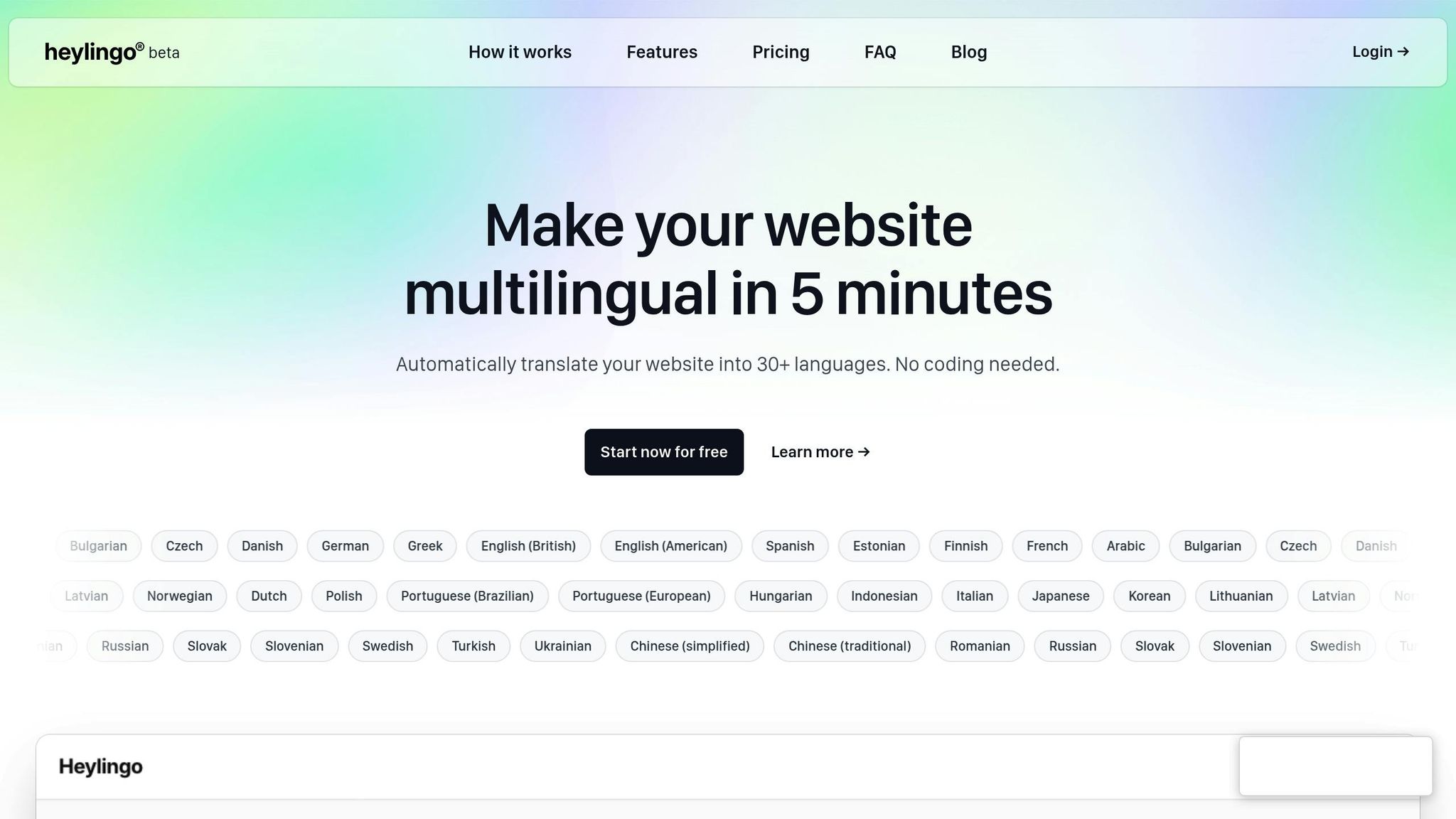
Heylingo provides an all-in-one solution for businesses looking to translate their websites and expand their global presence - without the technical headaches. With its easy integration, you can localize your site quickly and effectively, no coding required, making it a practical choice for businesses aiming to reach international audiences.
Pricing Details (in USD)
Heylingo keeps things simple with straightforward pricing plans designed for small businesses:
- Starter: $11/month – Covers 100,000 characters (approximately 20,000 words)
- Pro: $32/month – Covers 300,000 characters (approximately 60,000 words)
- Business: $54/month – Covers 600,000 characters
- Scale: $76/month – Covers 1,000,000 characters
All plans include perks like unlimited team members, full GDPR compliance, no setup fees, and the flexibility to adjust your plan as needed. This clarity and flexibility make Heylingo a user-friendly option for businesses ready to expand their reach.
2. Weglot

Weglot offers a no-code translation tool that works with virtually any website setup, making it an excellent choice for small businesses without dedicated technical teams. Its popularity is reflected in its impressive ratings: 4.8/5 on G2, 4.9/5 in the WordPress Plugin Directory, and 4.9/5 on Trustpilot.
CMS/Platform Compatibility
What sets Weglot apart is how easily it integrates with major platforms. For small businesses relying on platforms like WordPress, Shopify, or Wix, Weglot simplifies the process of translating websites. With just a few clicks, you can have your site ready in multiple languages in no time.
"The integration was easy and the support is incredibly helpful. I highly recommend Weglot to anyone looking for a simple and cost effective solution to translate their site!" - Mike Robertson, Director of Sales Operations @Nikon
3. GTranslate
Now that we've covered Weglot, let's take a look at GTranslate.
GTranslate is a translation tool tailored for small businesses looking to expand their reach internationally. It offers support for a wide range of languages and works seamlessly with popular content management systems. For a full breakdown of its features, check out the official documentation provided by GTranslate.
4. ConveyThis

ConveyThis is a translation tool aimed at helping small businesses adapt their websites for global audiences. It offers translations in over 100 languages, covering major ones like Spanish, French, German, Chinese, Japanese, Arabic, and Portuguese. This makes it easier for businesses to reach and engage with a variety of markets. Plus, it’s designed to integrate smoothly with your website platform, keeping the process hassle-free.
CMS/Platform Compatibility
ConveyThis works seamlessly with popular content management systems such as WordPress, Shopify, and Wix. Its straightforward integration allows for quick and easy setup, so you can start connecting with international audiences right away.
5. Localize
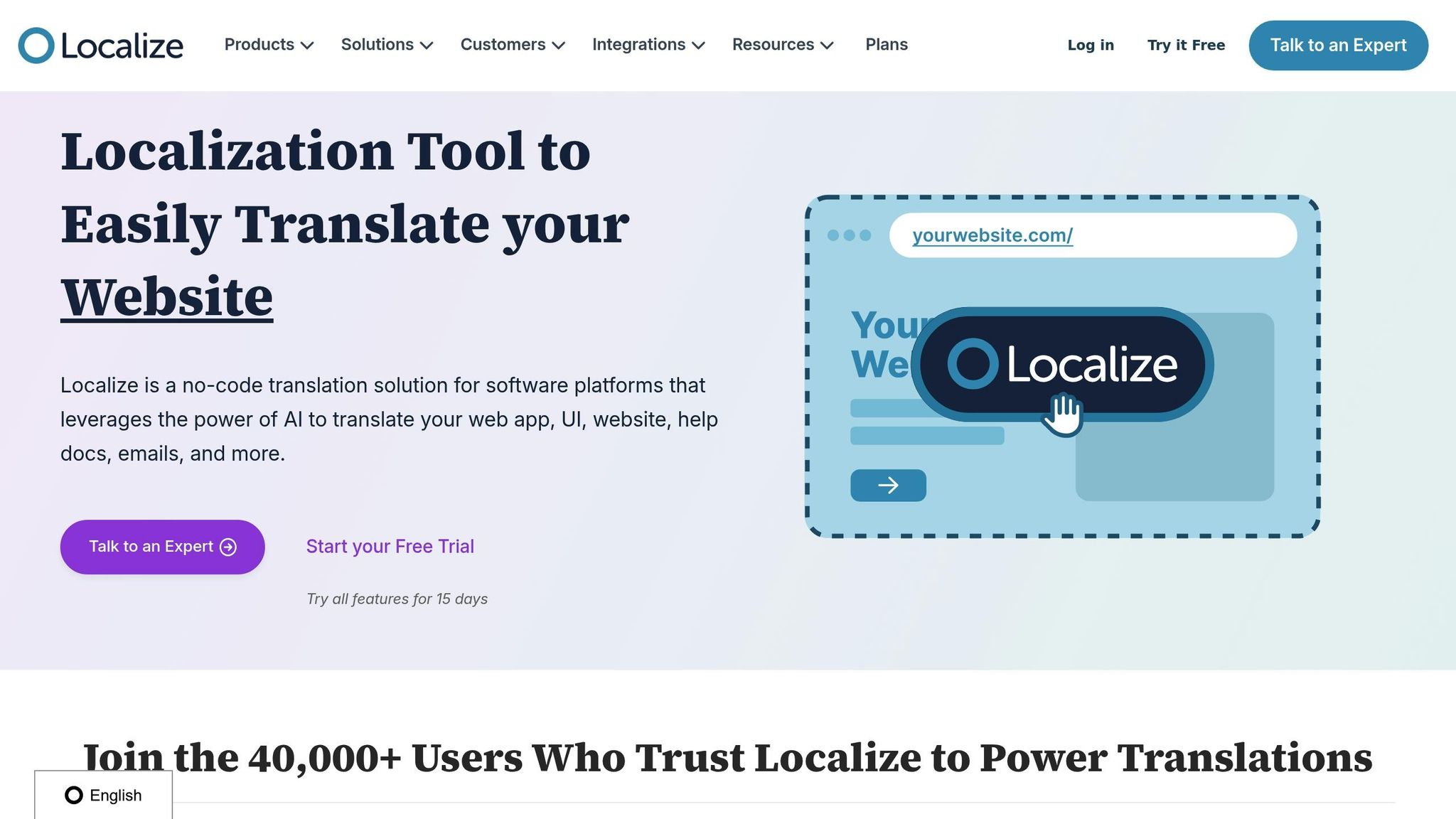
Localize is a tool designed to simplify website translation for small businesses. By leveraging advanced AI, it takes care of translating content automatically, using top-tier machine translation engines. This means you can skip the tedious manual work and focus on running your business. Localize also manages all the technical details, so you don't have to. With features like AI-powered quality checks, it ensures translations are accurate and aligned with the right tone, while also keeping costs down.
By combining seamless automation with robust quality control, Localize provides an efficient solution for businesses looking to expand their reach.
Pricing Transparency
Localize offers flexible pricing options to suit different needs. Basic plans range from $50 to $625 per month, while enterprise plans start at $3,500 per month. On G2, Localize has earned a 4.5/5 rating, with users highlighting its ease of use and strong value for the price.
6. Bablic
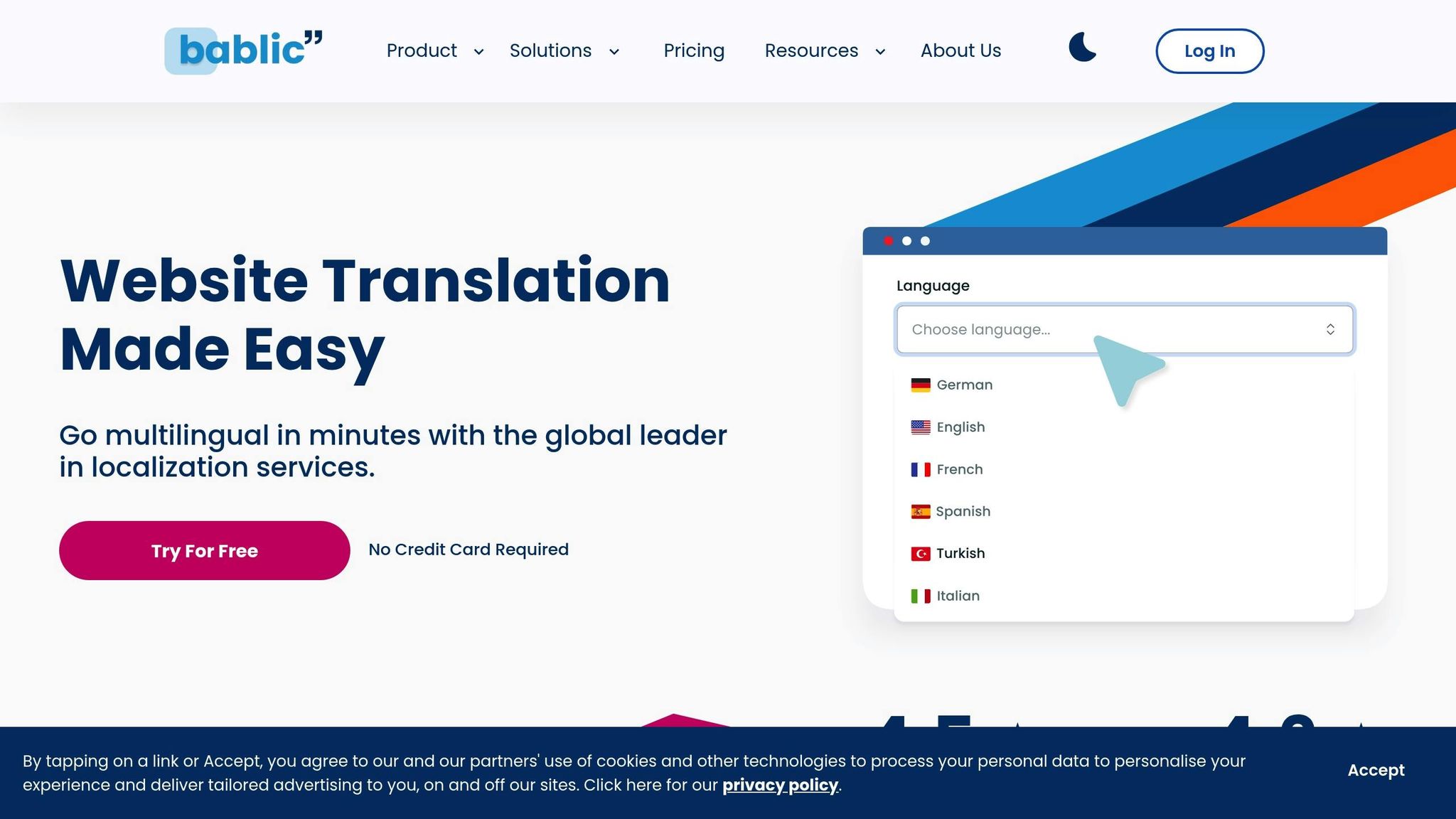
Bablic stands out with its visual editing feature, letting you adjust your live site's translated content in real time. This means you can spot and fix formatting issues before they go live. By editing translations directly on your site, you ensure that your pages look polished and consistent across all languages.
On the technical side, Bablic simplifies things by automatically detecting and translating new content as you add it to your website. This hands-off approach saves you from the hassle of manually managing every piece of text.
Supported Languages
Bablic provides support for over 90 languages, making it a versatile choice for businesses targeting global markets. From widely spoken languages like Spanish, French, and Chinese to niche options for specialized markets, Bablic gives you the flexibility to reach a diverse audience.
The platform automatically identifies your website's original language and can translate content into multiple languages at once. This batch translation feature is especially helpful when you're expanding into several markets simultaneously, saving you both time and effort.
AI-Powered Features
Bablic uses advanced AI tools to enhance translation quality. Its machine learning algorithms get smarter with use, learning from patterns and context to deliver better translations over time. This ensures that the more you use Bablic, the more refined and accurate your translations become.
Another standout feature is automatic content detection, which identifies new text, text within images, and dynamic content that needs translation. This is particularly handy for e-commerce businesses where product details and prices often change.
Pricing Transparency
Bablic offers a subscription-based pricing model starting at around $19 per month for basic plans. Mid-tier options range from $79 to $199 per month, depending on your site's traffic and the number of languages you need. For larger websites with high traffic, custom enterprise plans are also available.
Instead of charging by word count, Bablic bases its pricing on monthly page views. This approach can make budgeting easier for small businesses while still offering perks like unlimited languages on most plans.
sbb-itb-8482ffa
7. Transifex
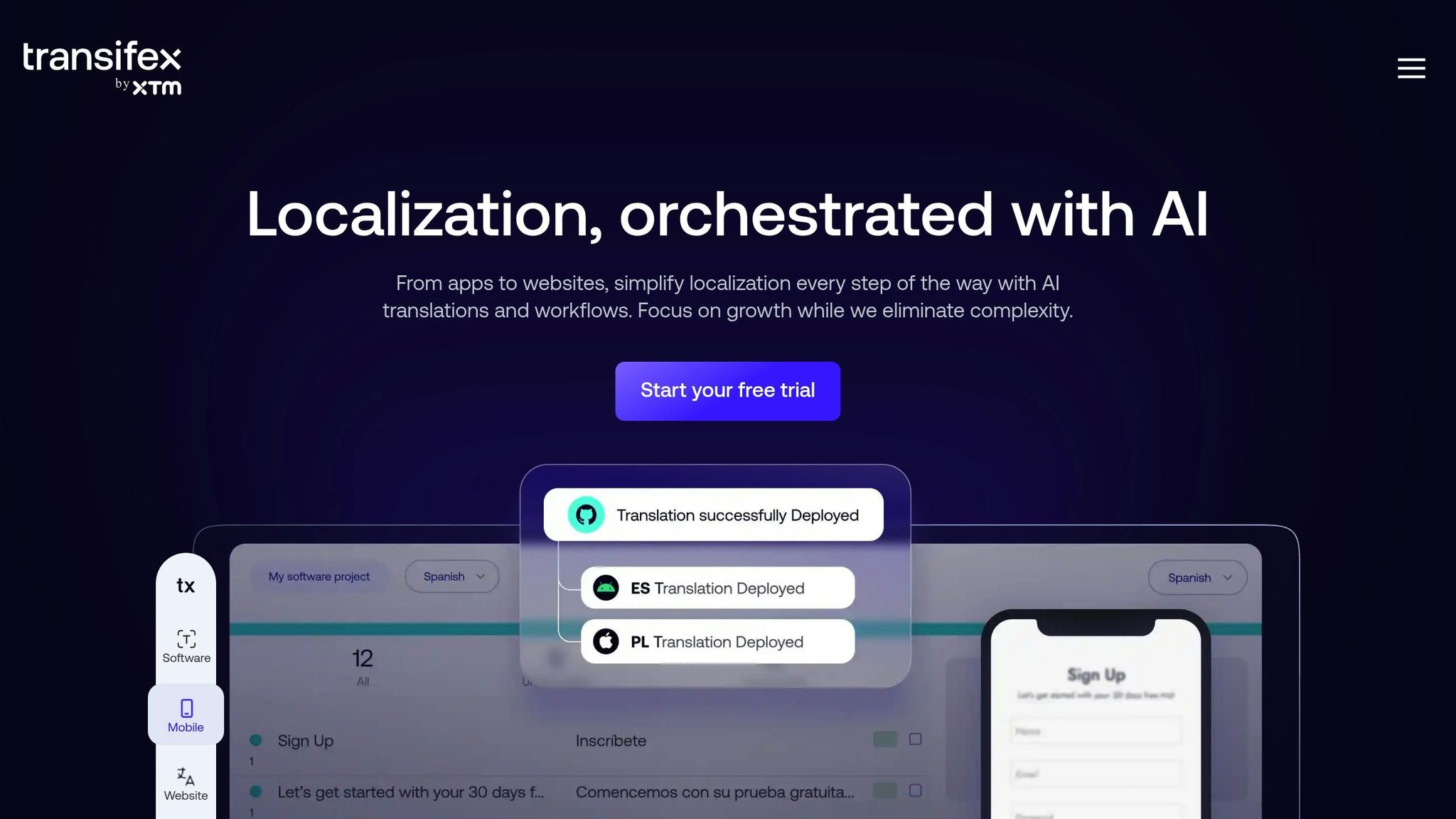
Transifex is a cloud-based platform built to simplify localization for both content managers and developers. By centralizing workflows, it provides a clear overview and control of projects spanning multiple languages. This setup creates a balance between automation and human input, ensuring translations meet quality standards without losing efficiency.
The platform places a strong emphasis on professional human translators, which helps maintain accuracy and consistency in your brand's messaging across different markets. It's particularly suited for businesses that deal with frequently updated content - think dynamic websites, mobile apps, or marketing campaigns that need regular translation updates. Transifex also integrates seamlessly with various content management systems (CMS) and development platforms, supporting a wide range of file types to fit different workflows.
However, setting up Transifex often requires additional technical support and resources. For small businesses, this could mean allocating dedicated technical staff to manage the system effectively. That said, for teams with evolving content needs, its robust translation workflows can prove invaluable.
The pricing is subscription-based, starting at $160 per month, which might feel steep for smaller operations. Costs increase as you add team members or handle higher translation volumes. While it has a solid user rating of 4.2 out of 5 stars, some users mention a steep learning curve and initially cluttered navigation. This makes it a better fit for businesses with the resources to invest in translation management.
8. Smartling
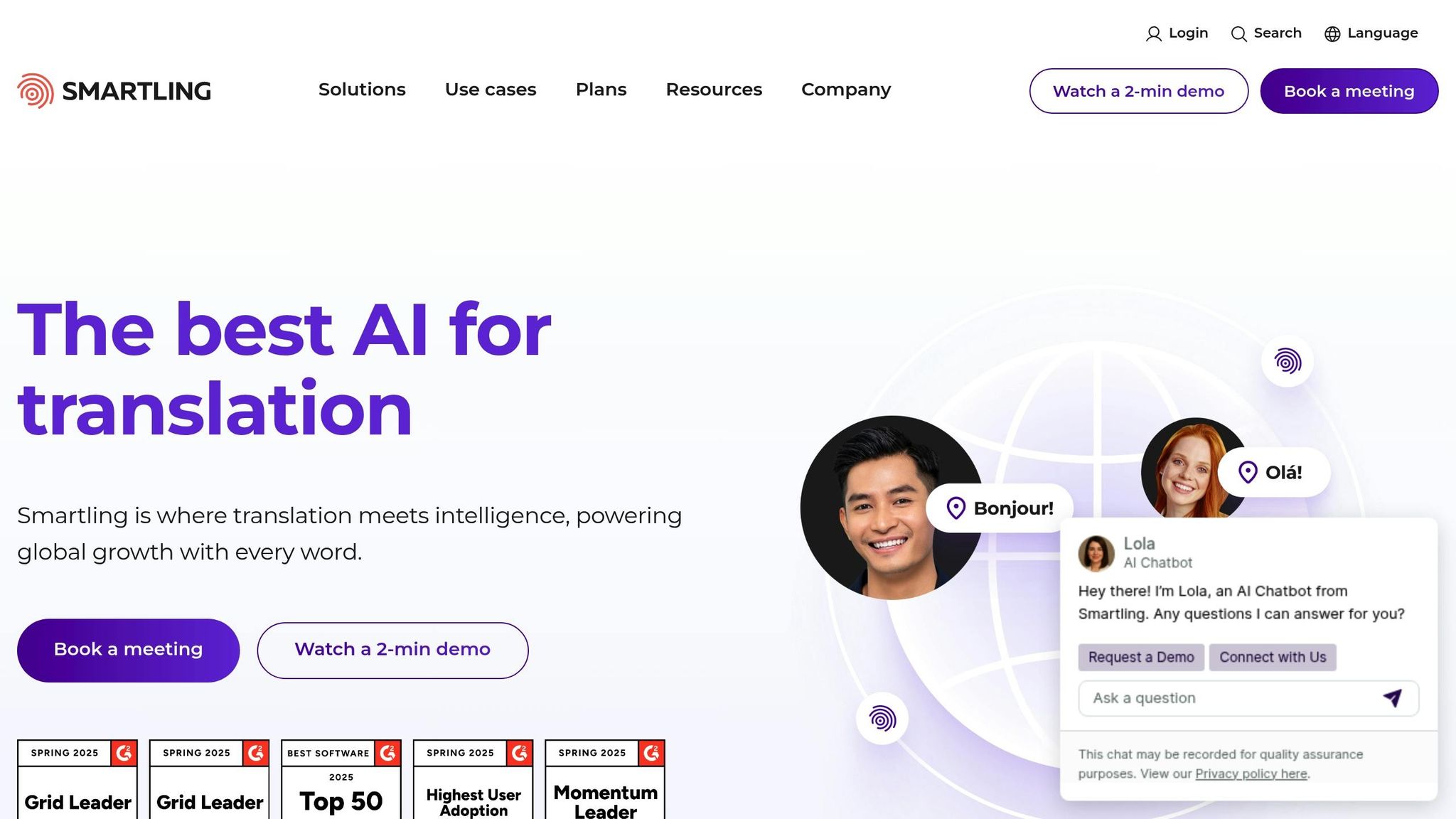
Smartling is a localization platform designed for enterprise-level needs, combining AI-driven tools with professional human translation services. It ensures precise and adaptable localization, making it a go-to solution for businesses with complex or frequently changing content.
One standout feature is its Global Delivery Network (GDN). This dynamic translation proxy detects content in real time and delivers translated versions without requiring significant changes to your CMS. This is especially useful for businesses managing intricate or constantly evolving websites.
AI-Powered Tools
Smartling’s AI capabilities focus on delivering accurate translations efficiently. Its AI tools can produce machine translation post-editing (MTPE) quality results at impressive speeds. The platform offers flexible options, including AI-only, human-only, or hybrid translation models, catering to different business needs. Additionally, its translation memory feature stores previously approved translations, ensuring consistency across your site and helping lower future translation costs.
Seamless Integration with Platforms
Smartling integrates smoothly with popular CMS platforms like Contentful and marketing tools such as Figma and Marketo. Its Global Delivery Network allows it to localize content on virtually any website, whether custom-built or using less common CMS systems. This flexibility makes it a versatile choice for businesses with diverse technical setups.
Pricing Details (in USD)
When it comes to pricing, Smartling operates on a custom model. Instead of upfront pricing, businesses must schedule a consultation to get a tailored quote. Pricing depends on factors like translation volume, specific features, and business requirements. While this approach works well for larger enterprises with unique needs, it may not be ideal for smaller businesses seeking clear, upfront cost estimates.
9. DeepL
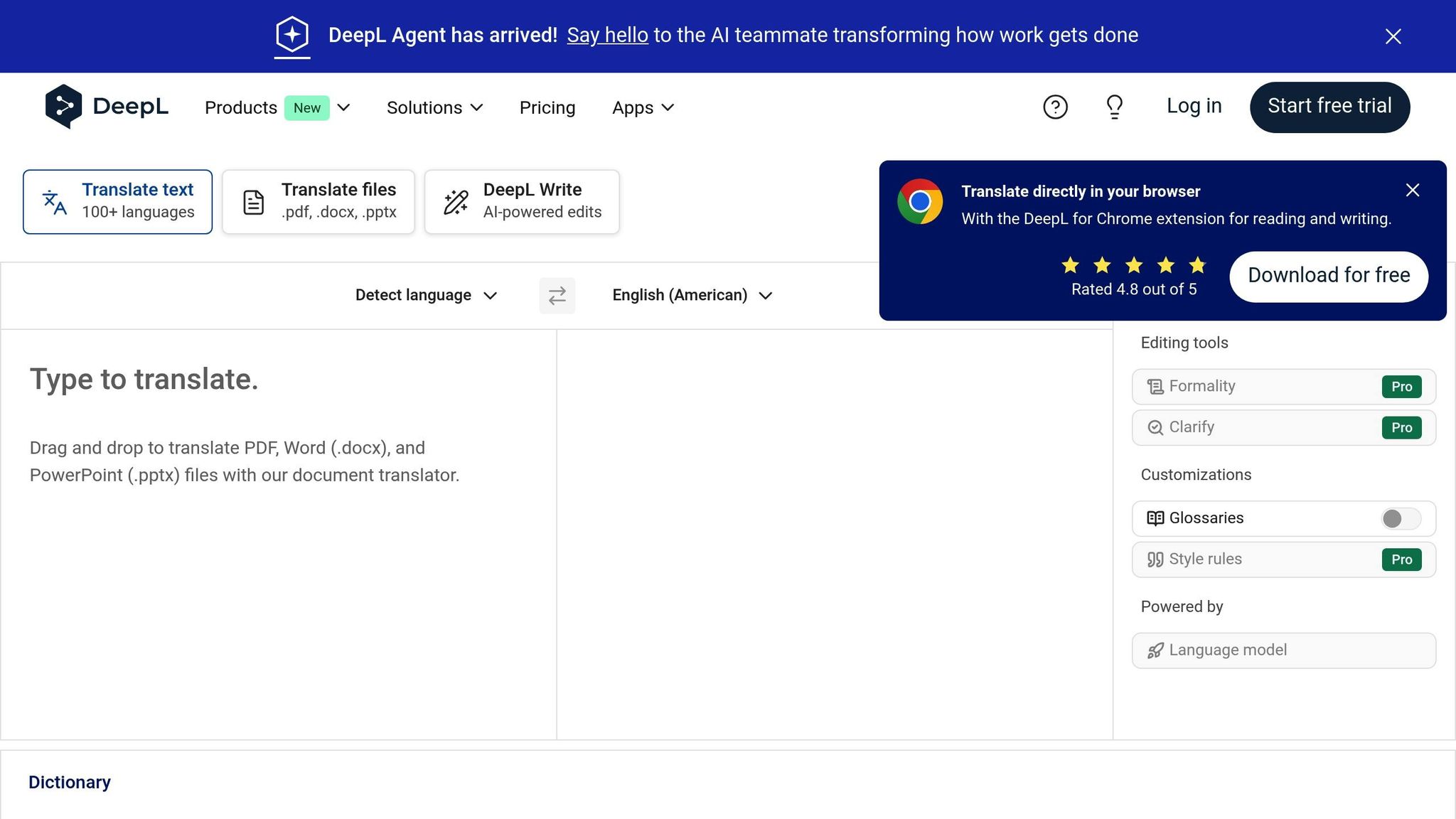
DeepL is a neural machine translation service that emphasizes accuracy, making it a go-to option for small businesses needing reliable website translations. Its standout feature? Highly readable translations that feel natural, even in complex or nuanced contexts. Unlike tools that prioritize speed or bulk processing, DeepL focuses on delivering translations that maintain tone and meaning, making it especially useful for businesses where language quality matters.
Supported Languages
DeepL currently supports 31 languages, covering key business languages like Spanish, French, German, Italian, Portuguese, Russian, Chinese, and Japanese. While its language range isn't as extensive as some competitors, DeepL prioritizes quality over quantity, ensuring the languages it does support meet high standards.
The platform is also expanding. Recent additions, such as Ukrainian and Indonesian, highlight DeepL's commitment to growing its language offerings while maintaining its hallmark translation quality.
AI-Powered Features
DeepL’s neural network technology is what sets it apart. By processing entire sentences, the system captures context and nuance, producing translations that stay true to the original meaning and tone. This makes it an excellent choice for content like marketing copy or customer communications, where context is key.
The platform also supports document translation, preserving original formatting - a big plus for businesses working on product descriptions, technical documents, or marketing materials. Additionally, the glossary feature lets users define specific terms for consistent translations, helping maintain brand voice across different languages.
CMS/Platform Compatibility
While DeepL operates primarily as a standalone service, it does offer flexibility for integration. Users can either paste text directly into its interface or upload documents for translation. For businesses needing more advanced workflows, DeepL provides an API service. This allows developers to integrate DeepL’s translation capabilities into websites, apps, or content management systems, enabling seamless translation processes tailored to specific needs.
Pricing Transparency (in USD)
DeepL provides straightforward pricing options, catering to both occasional users and businesses with regular translation needs:
- Free Version: Unlimited text translations with a 5,000-character limit per session, ideal for small, occasional tasks.
- DeepL Pro: Starting at $8.74/month (billed annually), it offers unlimited text and document translations, enhanced security, and access to the glossary feature, with no character limits - a great fit for businesses with ongoing translation demands.
- API Pricing: For high-volume users, API access starts at $6.99/month for 500,000 characters. Additional usage costs $25.00 per million characters, providing a scalable solution for businesses expanding their reach.
With a clear pricing structure and features designed for quality, DeepL presents a practical option for businesses aiming to connect with global audiences without sacrificing translation accuracy.
10. Crowdin
Supported Languages
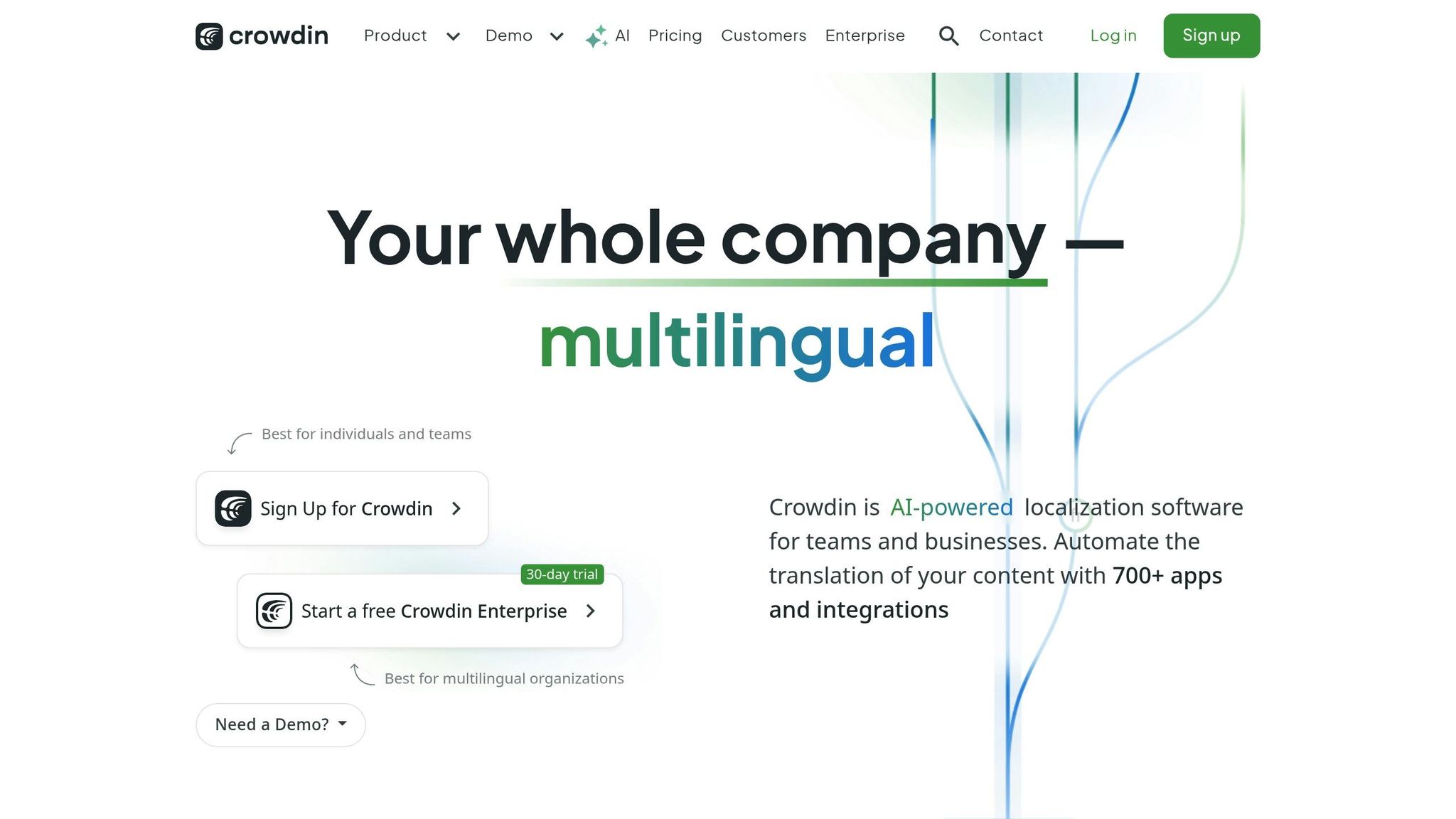
Crowdin offers support for an impressive selection of over 400 languages and dialects, making it a powerful tool for website translation. It simplifies the entire translation process with user-friendly collaboration tools and smooth integration with CMS platforms. These features make Crowdin a practical option for small businesses looking to localize their websites quickly and effectively.
A detailed comparison of Crowdin's features alongside other tools will be presented in the following table.
Tool Comparison Table
Here’s a quick overview of the key features for global expansion tools, highlighting their strengths and differences:
| Tool | Supported Languages | CMS Compatibility | AI Features | Manual Editing | Starting Price (USD/month) | Free Trial | GDPR Compliance |
|---|---|---|---|---|---|---|---|
| Heylingo | 30+ | All CMS, Shopify, Custom | Real-time AI translation | Yes | $11 | Yes | Yes |
| Weglot | 110+ | WordPress, Shopify, Others | AI + Human hybrid | Yes | $10 | 10 days | Yes |
| GTranslate | 100+ | WordPress, Joomla, Drupal | Google Translate API | Limited | $8.99 | 15 days | Partial |
| ConveyThis | 110+ | WordPress, Shopify, Magento | AI-powered | Yes | $7.50 | 14 days | Yes |
| Localize | 180+ | Any platform via JavaScript | Machine + Human | Yes | $25 | 14 days | Yes |
| Bablic | 100+ | WordPress, Shopify, Others | AI translation | Yes | $19 | 14 days | Yes |
| Transifex | 200+ | WordPress, Drupal, Custom | AI + CAT tools | Yes | $30 | 15 days | Yes |
| Smartling | 150+ | Enterprise CMS, Custom | Advanced AI + TMS | Yes | $540 | Contact sales | Yes |
| DeepL | 31 | API integration required | Advanced neural networks | Limited | $6.99 | 30 days | Yes |
| Crowdin | 400+ | WordPress, Shopify, Others | AI + Crowdsourcing | Yes | $40 | 14 days | Yes |
For small businesses on a tight budget, ConveyThis offers an affordable starting price of $7.50 per month, while Smartling caters to enterprises with premium features priced at $540 monthly. Heylingo provides a balanced option at $11 per month, delivering reliable features without stretching finances.
When it comes to language support, there’s a wide range. DeepL focuses on 31 languages, ideal for targeted markets, while Crowdin supports an impressive 400+ languages, making it suitable for businesses with diverse needs. For many small businesses, Heylingo's coverage of 30+ languages is sufficient for key global markets.
CMS compatibility is another critical factor. Heylingo stands out with support for all CMS platforms and custom websites via a lightweight script, ensuring smooth integration.
Free trials vary across tools. DeepL offers the most generous trial period at 30 days, while others like Weglot, ConveyThis, and Transifex provide a standard 14-15 days to explore their services.
How to Pick the Right Translation Tool
Choosing the right translation tool goes beyond just ticking off a list of features - it requires a careful look at how well it fits your current operations and plans for future growth. Start by assessing how the tool aligns with your technical setup and budget. Whether you're working with platforms like WordPress or Shopify, or using a custom-built system, look for tools that offer flexible integration options. Features like one-click setups or simple script installations can make a big difference in streamlining the process.
When it comes to budget, keep in mind that translation needs often grow alongside your business and content. For small businesses, mid-tier plans often strike a good balance between affordability and functionality, offering enough features without breaking the bank.
Language support is another critical factor. Think about both the number of languages you need and the quality of translations for your target markets. The tool you choose should be capable of delivering accurate translations that align with your global strategy.
Your team size and workflow also play a role. If you're a solo entrepreneur, an automated solution might be ideal. On the other hand, larger teams might benefit from tools that offer collaborative editing, approval workflows, and the ability to scale by adding more team members. As you plan for global growth, factor in both your current content volume and the potential increase over the next 12 to 18 months. The right tool should not only meet your immediate needs but also handle future demands without adding excessive costs.
Take advantage of free trials whenever possible. This gives you a chance to test how the tool integrates with your existing setup and whether it affects your website's performance. It’s a low-risk way to see how well the tool fits into your workflow.
Support and compliance are equally important. Strong customer support can save you time and headaches when technical or translation issues arise. If you're targeting European markets, make sure the tool complies with GDPR. Look for clear data processing agreements and compliance documentation to avoid potential legal issues.
Lastly, pay attention to the editing workflow. Even if the tool excels at automated translations, you’ll need an intuitive interface for human review and version control. This is crucial whether you plan to handle edits in-house or hire professional translators.
Once you’ve shortlisted a few options, test them with your actual content and team workflow. This hands-on approach will help you identify each tool’s strengths and weaknesses, making it easier to choose the one that best supports your global expansion goals.
Conclusion
Picking the right website translation tool is a crucial step for businesses aiming to expand globally. The wrong tool can result in poor translations, dissatisfied international customers, and wasted time and money. On the flip side, the right tool can unlock access to new markets and revenue opportunities, giving your business the edge it needs to thrive.
To make the best decision, focus on what truly matters for your business. Use the comparison table as a guide to ask the right questions. Are you translating straightforward landing pages or more complex product catalogs? Do you need a tool that automates frequent updates, or is your site relatively static? Will your team handle translations internally, or do you need a solution that works seamlessly with external translators? These considerations can help you zero in on the tool that aligns with your specific needs.
It’s also essential to choose a tool that fits your team size and technical setup. Look for one that integrates smoothly with your current platform. Pay attention to factors like ease of integration, budget flexibility, and the availability of reliable support - these can make all the difference in the long run.
A systematic approach is key to success. Smart businesses narrow down their options using tools like the comparison table, test out free trials to evaluate real-world functionality, and assess how each solution fits into their day-to-day operations. This hands-on testing often uncovers strengths and weaknesses that technical specs alone won’t reveal.
Ultimately, select a tool that not only addresses your current needs but also grows with your business. The right website translation tool doesn’t just meet today’s demands - it becomes a long-term asset, helping you seize international opportunities as they emerge.
FAQs
What should small businesses look for in a website translation tool?
When picking a website translation tool for your small business, prioritize accuracy, user-friendliness, and how well it works with your current website platform. Tools with AI-powered automatic translation can be a huge time-saver while still delivering quality translations.
Budget is another key consideration - find an option that meets your financial needs without sacrificing important features. Also, check if the tool offers localization options for your target audience. This ensures translations are not only linguistically correct but also adapt to local preferences, like date formats, currency symbols ($), and measurement units.
How do website translation tools help businesses comply with international regulations like GDPR?
Website translation tools play a key role in helping businesses comply with international regulations like GDPR by integrating features designed to safeguard user data. These features often include encryption, secure data storage, and privacy-focused protocols, ensuring sensitive information is managed responsibly.
Some tools go a step further by hosting data on servers in specific regions, such as Europe, to meet GDPR requirements. They also offer customization options, enabling businesses to address industry-specific regulations like HIPAA or PCI, depending on their operational needs.
What are the benefits of using AI-powered translation tools instead of traditional human translation services?
AI-powered translation tools deliver quick results, enabling businesses to enter new markets at a faster pace. Plus, they often come at a lower cost compared to traditional human translation, making them a smart option for small businesses aiming to manage budgets effectively.
These tools also shine when it comes to handling scale and maintaining consistency. They can process large amounts of content effortlessly while ensuring the translations remain uniform in quality. Thanks to machine learning, these tools continually improve, providing translations that are not only precise but also align with cultural nuances.