Top 7 Tools for Real-Time Website Translation
Want your website to speak your customers' language instantly? Real-time translation tools make it possible. With 72.4% of shoppers more likely to buy when product descriptions are in their native language, these tools can help you reach a global audience with website localization strategies. Whether you're running an e-commerce store, a dynamic blog, or a SaaS platform, these solutions translate your content as it's created - no manual updates required. Here's a quick look at the top options:
- Heylingo: Easy setup with a JavaScript snippet, supports over 30 languages, and offers customization via a user-friendly dashboard.
- Google Translate: Covers 189 languages with API integrations and advanced features like glossaries and adaptive translation.
- DeepL: Focuses on accuracy with customizable glossaries, style rules, and translation memory.
- Microsoft Translator: Flexible integrations, custom models for specific terminology, and local processing for faster results.
- Immersive Translate: Browser extension with bilingual display and support for over 100 languages.
- Weglot: Automatically detects and translates new content; integrates with most CMS platforms.
- Lokalise: Provides in-context editing and advanced tools for managing translations across dynamic websites.
Quick Comparison
| Tool | Languages Supported | Key Features | Starting Price |
|---|---|---|---|
| Heylingo | 30+ | JavaScript-based, GDPR-compliant, manual editing options | $11/month |
| Google Translate | 189 | Adaptive translation, glossaries, free tier for 500,000 chars/month | Free, $20/million chars |
| DeepL | 31 | Glossaries, style customization, translation memory | Free, API Pro available |
| Microsoft Translator | 90+ | Custom Translator for specific terms, CMS integrations | Free, paid tiers vary |
| Immersive Translate | 100+ | Browser extension, bilingual display, JSON-based customization | Free, Pro available |
| Weglot | 110+ | Automatic detection, SEO-ready, media localization | Free, $11/month+ |
| Lokalise | 400+ | In-context editing, API for dynamic sites, branching for version control | $120/month |
These tools not only translate but also handle technical SEO, metadata, and dynamic content updates - helping your website stay multilingual and competitive. Select the one that fits your platform, content type, and budget to expand your reach globally.
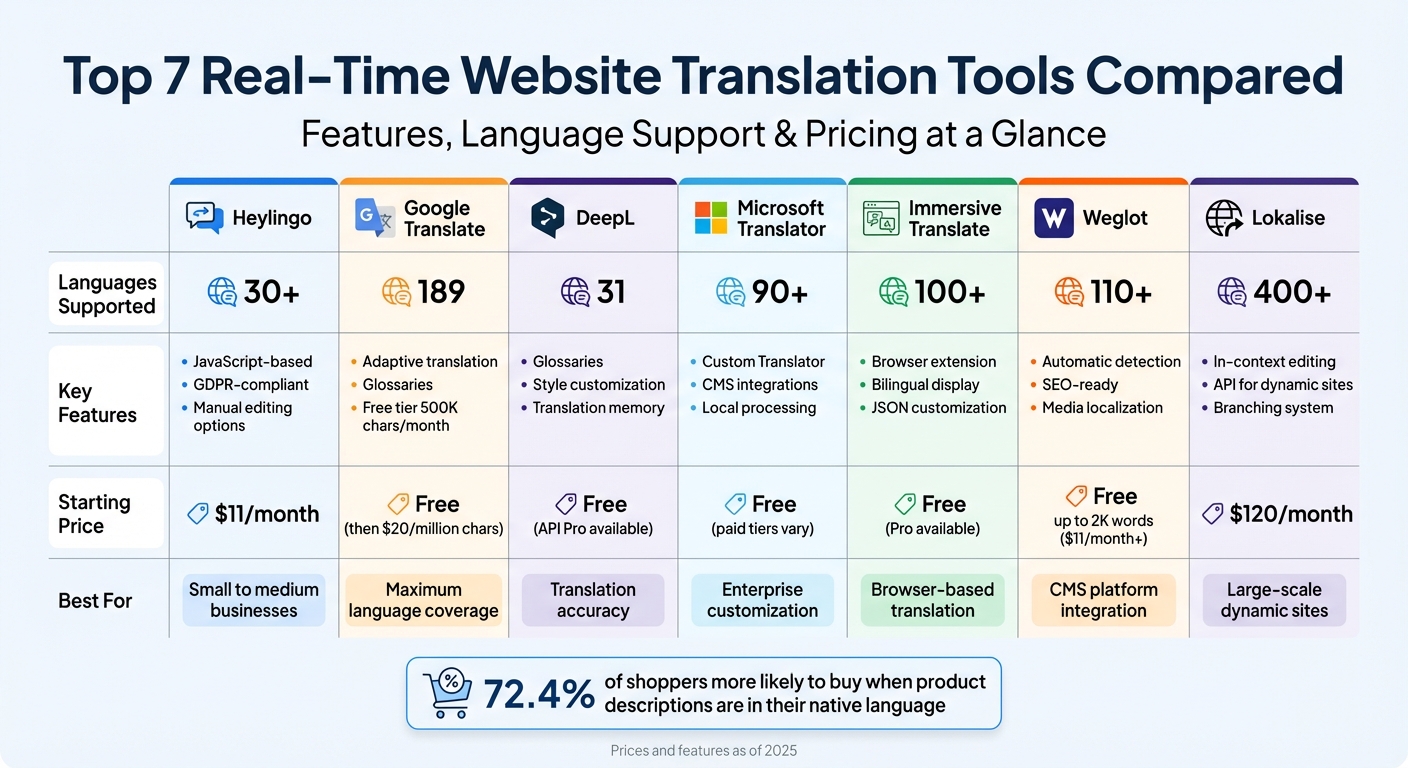
Real-Time Website Translation Tools Comparison: Features, Languages, and Pricing
1. Heylingo
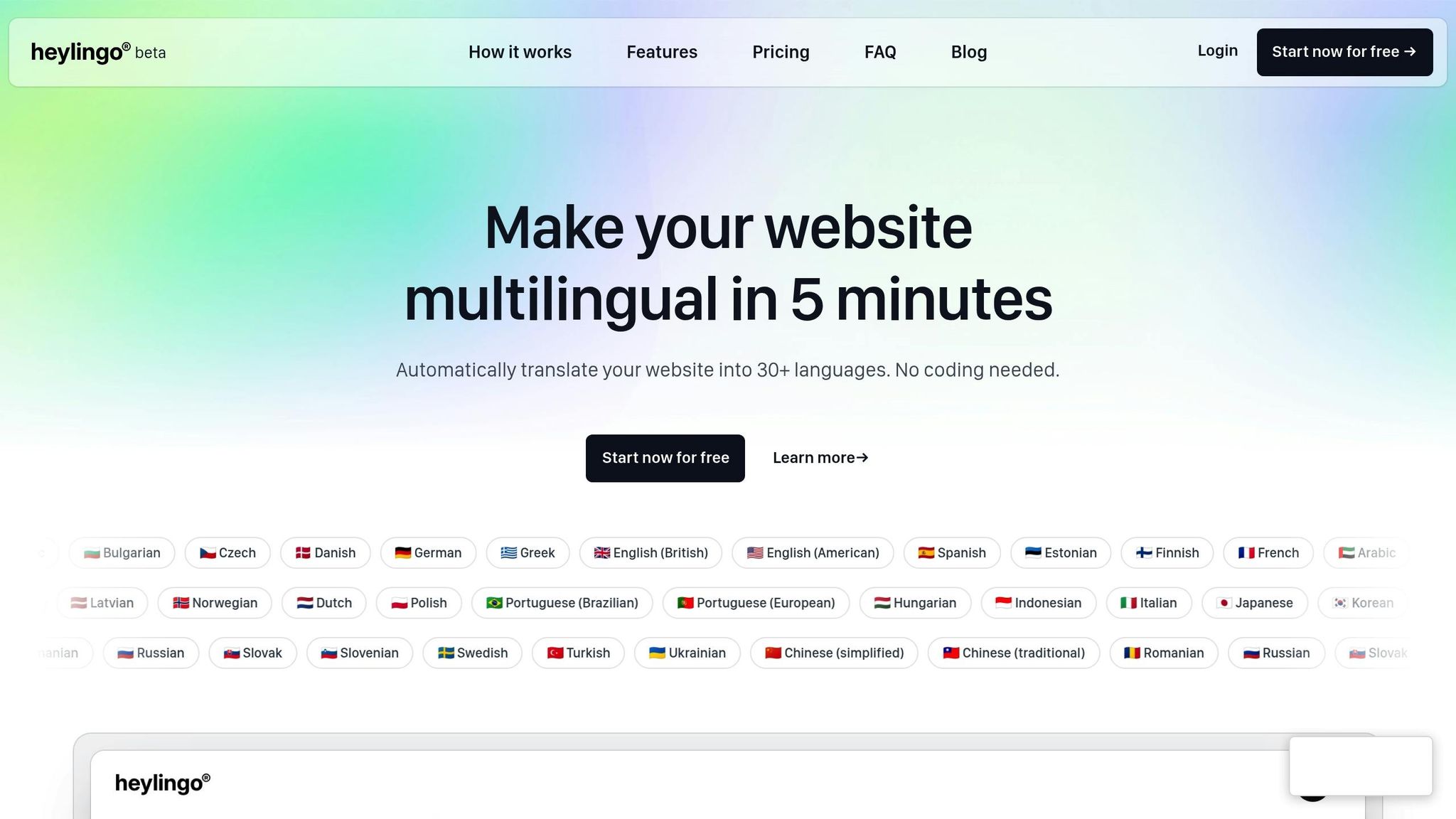
Real-time translation capabilities
Heylingo operates through a simple JavaScript snippet you embed into your website - similar to how Google Analytics is integrated. Once in place, it automatically detects your site's content and applies AI-driven translations as the page loads. For dynamic elements like live chat or comments, a quick manual refresh ensures updates are translated instantly.
Compatibility with dynamic websites and CMS platforms
Heylingo's versatility shines in its ability to integrate with any website platform. It’s CMS-agnostic, meaning it works seamlessly with platforms like WordPress, Shopify, Webflow, or even custom-built HTML sites. Whether your site uses JavaScript-heavy setups or single-page applications, Heylingo handles it all - no coding required. Setup is straightforward: create an account, add the script to your site's header, and you're ready to go in just 5 minutes. The script loads asynchronously through a global CDN, ensuring your website's speed remains unaffected. Plus, all data is processed in Germany, adhering to strict GDPR guidelines.
Customization and editing options for translations
While Heylingo automates translations, it allows you to maintain complete control over your brand's tone and terminology. Through a user-friendly dashboard, you can tweak, edit, or entirely rewrite any AI-generated translation to align with your brand’s voice.
"Make every translation perfect. Edit or overwrite any text in the Heylingo dashboard. Stay in full control of your brand voice." - Heylingo
Changes made in the dashboard are applied instantly, ensuring your site reflects updates in real time.
Scalability and support for multiple languages
Heylingo supports over 30 languages, making it a versatile choice among the best website translation tools for small business and larger enterprises. Pricing starts at $11/month for the Starter plan, which covers approximately 20,000 words, and scales up to $76/month for the Scale plan, which accommodates around 200,000 words. All paid plans include unlimited team members, promoting effortless collaboration. For those who want to test the waters, a free plan is available - no credit card required - offering a risk-free way to explore Heylingo's features before committing.
sbb-itb-8482ffa
2. Google Translate
Real-time translation capabilities
Google Translate relies on its Cloud Translation API to deliver real-time translations. When text strings are sent to its servers, the content is instantly replaced in the browser, allowing users to see translations without delay. For dynamic elements like popups or tooltips, JavaScript can trigger the translation process as needed.
The Advanced API introduces features like Adaptive Translation, which uses Gemini's large language models and smaller datasets to adapt translations to specific styles without requiring full retraining. Additionally, it employs debouncing to delay translation calls until content stabilizes, minimizing lag.
Compatibility with dynamic websites and CMS platforms
Google Translate works seamlessly with popular platforms such as WordPress, Shopify, Squarespace, and Webflow through third-party plugins and API integrations. Setting up an API key via the Google Cloud Platform is quick - typically under 10 minutes. Plugins like TranslatePress store translations as static content, making them accessible for SEO indexing.
With support for 189 languages, Google Translate includes a free tier covering the first 500,000 characters per month. Beyond this limit, costs start at $20 per million characters for Neural Machine Translation. This setup ensures that even dynamic websites can stay updated and optimized for search engines.
Customization and editing options for translations
Google Translate goes beyond basic translation with customization tools. The Advanced API supports glossaries and AutoML custom models, which help maintain the accuracy of domain-specific terms. Tools like Translation Hub and plugins such as TranslatePress allow for human review and manual adjustments to translations.
"Caching translated content not only reduces calls to the Google Cloud Translation API but also decreases load and compute usage on your backend web servers and databases" - Tristan Li, Principal Architect at Google Cloud.
Scalability and support for multiple languages
Google Translate is built to scale, making it ideal for businesses aiming to expand globally. Its API supports over 100 language pairs, while the web interface offers translations in 189 languages. The free tier of 500,000 characters per month is a great option for smaller websites, but larger, high-traffic sites will need to account for paid usage. Pricing starts at $20 per million characters for standard translations and goes up to $80 per million for custom models.
| Service Tier | Character Limit / Type | Price |
|---|---|---|
| Neural Machine Translation (NMT) | First 500,000 chars/month | Free |
| Neural Machine Translation (NMT) | 500,000 to 1 billion chars/month | $20 per million characters |
| Translation LLM | Input/Output characters | $10 per million characters |
| Adaptive Translation | Input/Output characters | $25 per million characters |
For large-scale projects, tools like Google Cloud Console can set quota limits to manage costs. Implementing caching solutions, such as CDNs or Redis, is also recommended to avoid re-translating identical content, reducing both API calls and backend load.
3. DeepL
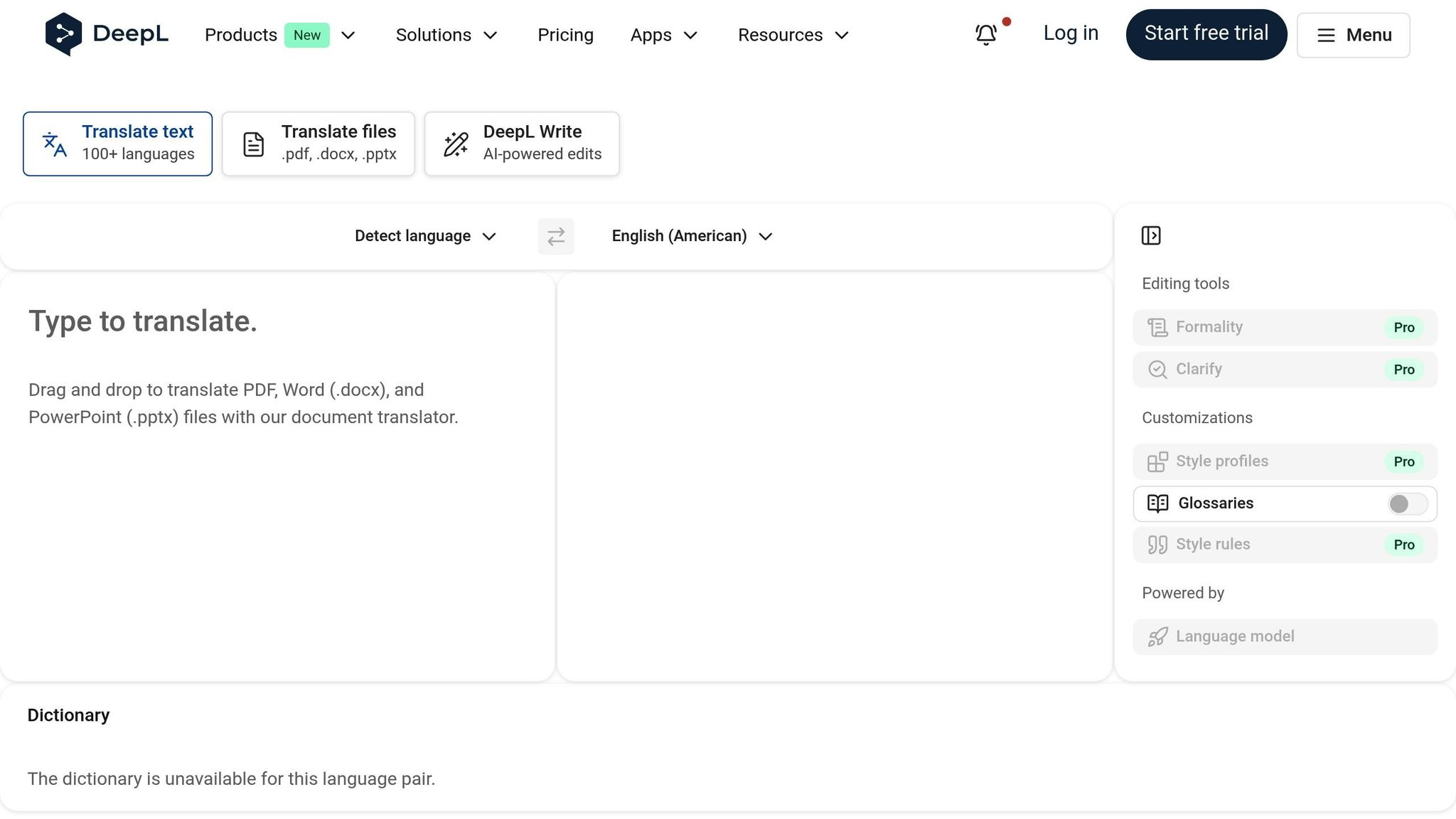
Real-time translation capabilities
DeepL provides real-time translation through its API and browser extensions, making it a go-to tool for dynamic content like e-commerce catalogs, news updates, and live chat. The API can be seamlessly integrated into websites and apps, while browser extensions for Chrome, Edge, and Firefox offer instant full-page translations as you scroll.
To ensure security and bypass CORS restrictions, it's recommended to route API requests through your backend. Open-source libraries for Python, Node, .NET, PHP, Ruby, and Java make backend integration straightforward.
DeepL's real-time performance has proven transformative for businesses. Over 200,000 companies worldwide use the platform, with some translating up to 70 million words every month. Organizations have reported cutting translation time by 90%, showcasing the platform's efficiency [25,27].
Compatibility with dynamic websites and CMS platforms
DeepL's API is tailored for high-volume, dynamic content, making it an excellent fit for industries like e-commerce and news media. The platform meets rigorous security standards, including ISO 27001, SOC 2 Type II, and GDPR compliance. For API Pro users, translated texts are not stored or used to train DeepL’s models, ensuring data privacy [25,28].
"Quality is the obvious factor for us and our customers, which is why we decided to use DeepL. And the pricing model lets us scale our business with a high return on investment."
- Radomir Kiepas, B2B Development Partner and Marketplace Project Leader, Kazar
Customization and editing options for translations
DeepL’s Customization Hub offers tools to maintain brand consistency and adapt translations to your needs. Glossaries, which can hold up to 30,000 entries across 16 languages, allow you to standardize terminology. These glossaries can be imported, created manually, or generated by AI based on your past translations.
Style Rules let you define tone, formatting, and grammar preferences by choosing from predefined options, writing them in natural language, or extracting them from existing high-quality content. Formality Control enables you to switch between formal and informal tones to suit different markets.
DeepL also integrates with translation memories (TM), reusing previously approved translations. Its AI enhances fuzzy matches to ensure translations fit the context and grammar perfectly. According to a commissioned study, using DeepL resulted in a 345% return on investment, highlighting its ability to deliver tailored translations while scaling to meet enterprise needs [30,25].
Scalability and support for multiple languages
DeepL supports text translation in 31 languages, prioritizing accuracy and fluency over sheer quantity. For glossary customization, 16 languages are available, ensuring consistent terminology across markets [27,26].
The API Pro plan caters to enterprise-scale needs with unlimited translation volume and prioritized request handling. Users have reported up to an 86% boost in document translation efficiency. In one case, a company saw a 10% increase in customer satisfaction within a single quarter due to quicker support resolutions.
| Plan | Character Limit | Price | Key Features |
|---|---|---|---|
| API Free | 500,000 chars/month | $0 | Basic translation with limited features |
| API Pro | Unlimited | Usage-based plus monthly fee | Prioritized execution, maximum security, no data retention |
| Pro (Browser Extension) | Varies | Subscription required | Full-page translation on scroll |
4. Microsoft Translator
Real-time translation capabilities
Microsoft Translator simplifies translating dynamic website content with multiple integration options. Whether you prefer no-code plugins, native CMS integrations like Adobe Experience Manager, or custom REST API/SDK setups, this platform has you covered.
It excels at handling user-generated content in real time. Think customer reviews, forum posts, or live chat - these can all be translated as users interact with your site. Plus, Microsoft Edge's on-device Translator API processes translations locally, cutting down on delays while keeping data secure by displaying translations token by token.
"With machine translation from Azure Translator Service, content that wouldn't otherwise be localized can be, and now most of your content can reach customers and partners worldwide." - Krishna Doss, Microsoft
Supporting over 90 languages and dialects, Microsoft Translator ensures your content reaches a global audience. It speeds up content delivery by 50%, which is crucial when you consider that 40% of users avoid websites not in their native language. The platform also allows for output customization, ensuring translations align with your brand's tone and style.
Customization and editing options for translations
Microsoft Translator's Custom Translator feature takes personalization to the next level. You can train neural translation systems using your own terminology and style. By uploading previously translated documents in formats like TMX, XLIFF, TXT, DOCX, or XLSX, the system aligns sentences automatically to generate training data. This process can improve translation quality by 5–10 BLEU points.
For industry-specific terms, the bilingual dictionary ensures precise translations. If you're working on critical content - like legal documents or high-profile marketing material - pairing machine translation with human review ensures the highest level of accuracy.
Scalability and support for multiple languages
Microsoft Translator is built to scale, making it suitable for businesses of any size. Its free tier (F0) allows up to 2 million characters per month at no cost, while paid tiers support unlimited volumes. These paid plans also retain your custom models indefinitely and store undeployed models for 12 months.
The service integrates seamlessly with major CMS platforms. For instance, Adobe Experience Manager users can enable translations through a straightforward settings panel, while Progress Sitefinity provides an "Integration Hub" with prebuilt automation recipes. Since Microsoft continually updates its neural models, refreshing static translations every few months ensures you're leveraging the latest improvements in quality.
5. Immersive Translate
Real-time translation capabilities
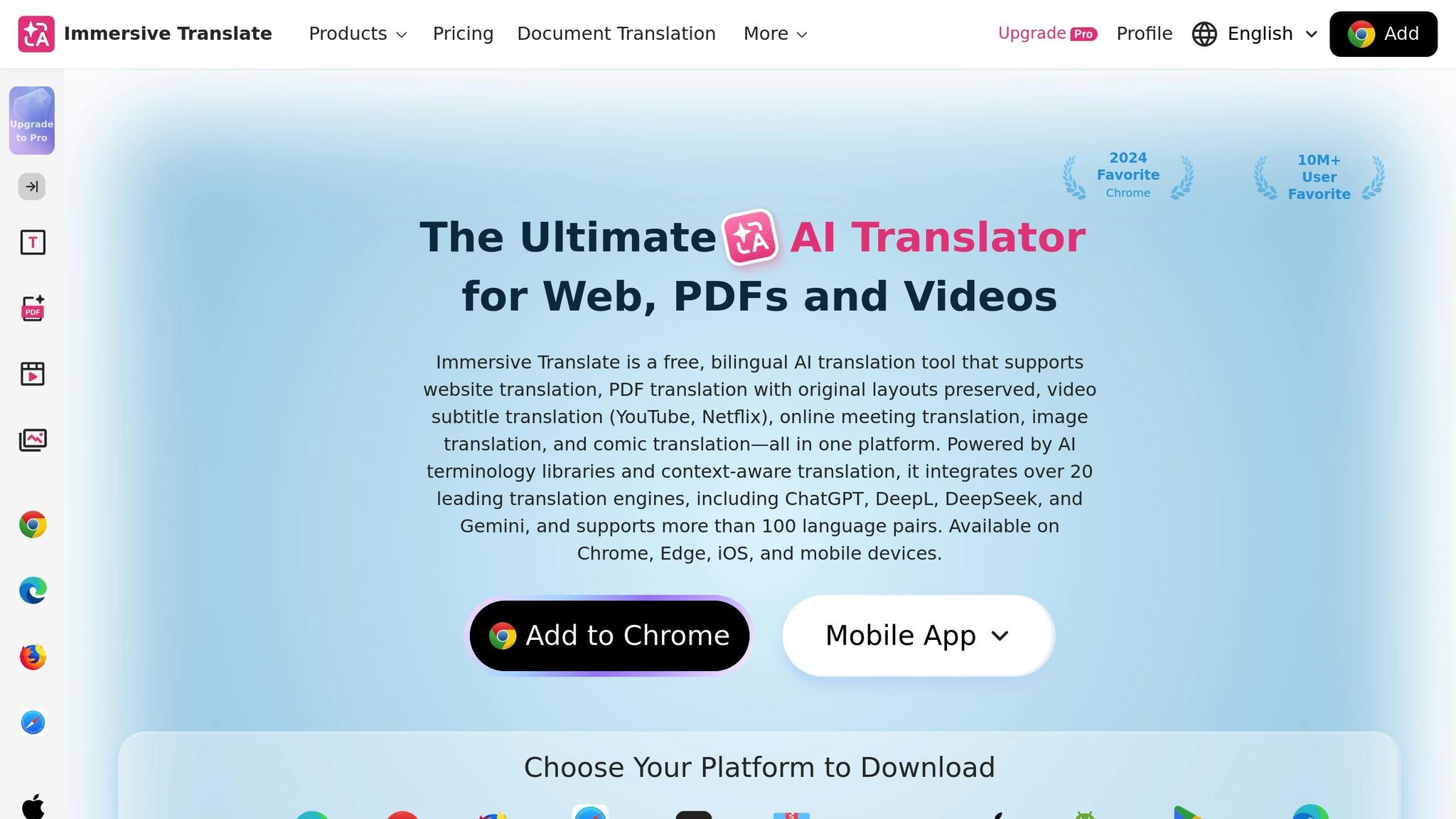
Immersive Translate is a browser extension designed to translate web content in real time, regardless of the website's framework.
What makes it stand out is its bilingual display - instead of replacing the original text, it shows the translation directly beneath the original. This setup is particularly handy when browsing dynamic or constantly updated pages. Simply hover over a paragraph to see the translation alongside the original text.
The extension is optimized for popular platforms like Twitter, Reddit, YouTube, Bloomberg, and the Wall Street Journal. It even transforms any web input box into a multi-language translator, making it useful on platforms such as Google Search and ChatGPT.
Compatibility with dynamic websites and CMS platforms
Since Immersive Translate operates directly in your browser, it works seamlessly with the best CMS platforms for multilingual websites. There’s no need for backend changes or code modifications - just install the extension from your web store of choice (Chrome, Edge, Firefox, or Safari), and it’s ready to go.
For website owners, the tool also offers a JavaScript SDK. This allows translation swaps in under 50ms when content is cached. Developers can use the pageRule configuration to decide which elements should be translated and which should remain untouched, such as code blocks or forum tags.
This flexibility makes it easy to integrate and customize for specific needs.
Customization and editing options for translations
Immersive Translate goes beyond basic functionality with a variety of customization features.
The extension taps into over 20 translation engines, including ChatGPT, DeepL, and DeepSeek, and offers 20+ visual themes like highlights, underlines, and dashed styles for displaying translations.
For developers, JSON-based settings provide fine-tuned control. You can specify which elements to translate using selectors, exclude others with excludeSelectors, tweak AI parameters like temperature for AI-based translations, and even add custom CSS to align translations with your site’s design. Additionally, you can create custom prompts for AI engines and enable terminology management to maintain consistency for specific terms.
Scalability and support for multiple languages
With support for over 100 language pairs, Immersive Translate is trusted by more than 10 million users worldwide.
"Easily the best translator. It can translate the web apps even though google translate doesn't recognise." - Dan, Chrome User
Rated 4.3/5 on the Chrome Web Store, the extension is compatible with desktops, mobile platforms (iOS Safari, Android Kiwi Browser), and even files like PDFs, ePub eBooks, TXT files, Markdown, and subtitle formats. Its real-time translation capabilities, combined with extensive customization and multilingual support, make it a versatile tool for a variety of use cases.
The browser extension is free to use, but a Pro version is available for users needing advanced features.
6. Weglot
Real-time translation capabilities
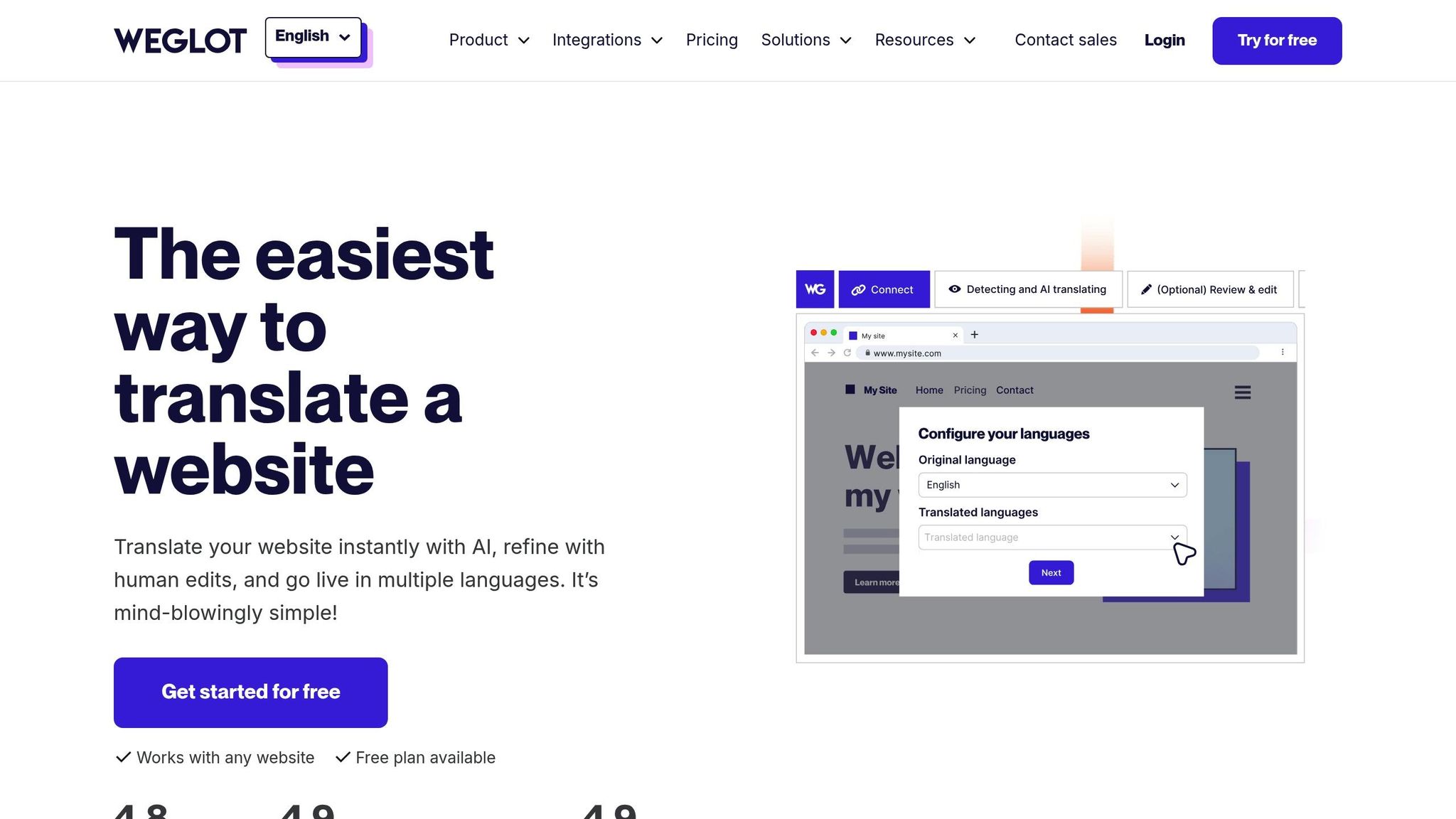
Weglot is designed to keep up with the demands of dynamic websites by automatically detecting and translating new content as it’s added. This eliminates the need for manual updates and constant tracking. It can handle various types of dynamic content, including elements from third-party apps, plugins, widgets, and pop-ups. Using advanced AI engines like DeepL, Google Translate, and Microsoft Translator, Weglot provides instant translations, with over 80% of users relying solely on its AI-generated results. For those who want more control, Weglot offers a hybrid approach - pairing manual vs automatic translation with a user-friendly dashboard for post-editing or even professional translation services.
Compatibility with dynamic websites and CMS platforms
Weglot is compatible with a wide range of platforms, including WordPress, Shopify, Webflow, Squarespace, Wix, BigCommerce, and custom or JavaScript-based sites like those built with React or Vue. It also integrates with Headless CMS platforms such as Contentful, Strapi, and Prismic, as well as enterprise systems like Adobe Experience Manager and Sitecore. Installation is quick and straightforward - taking just 5–10 minutes on supported platforms. For custom-built sites, Weglot uses a simple JavaScript integration that only requires adding a code snippet to the HTML head tag.
Some businesses have seen impressive results with Weglot. For instance, Ron Dorff translated its e-commerce site into German in 2025, leading to a 400% sales increase, with 70% of orders coming from international customers. Similarly, Reviews.io switched to Weglot for German localization after struggling with a manual system, resulting in a 120% increase in German traffic.
Customization and editing options for translations
Weglot’s translation engine is complemented by flexible editing tools, allowing users to refine AI-generated translations. Through the dashboard, you can make manual adjustments to translations. The Translations List feature provides side-by-side editing, while the Visual Editor lets you make changes directly on your live website. The Glossary tool ensures consistency by letting you set rules for specific terms, such as brand names or technical jargon, to always or never translate them. For content requiring extra precision, Weglot enables users to order professional translations from vetted agencies, typically delivered within 48–72 hours. The platform also supports media localization, making it possible to translate images, videos, and PDFs.
"Weglot removed the pain of having to manage multiple stores for multiple locales. The integration was easy and the support is incredibly helpful."
- Mike Robertson, Director of Sales Operations, Nikon
Scalability and support for multiple languages
With support for over 110 languages, Weglot is trusted by more than 110,000 companies worldwide. Its infrastructure ensures 99% uptime, using a reverse proxy and global CDN for fast content delivery. Many users have reported significant benefits, including up to a 20% boost in conversion rates and a doubling of traffic after adopting Weglot. The platform simplifies SEO for multilingual sites by automatically handling tasks like hreflang tags, metadata translation, and creating language-specific URLs through subdomains or subdirectories. Pricing starts at $0 for up to 2,000 words, with plans scaling up to around $822 per month depending on the word count and number of languages required.
7. Lokalise
Real-time translation capabilities
Lokalise simplifies real-time translation for dynamic websites with its LiveJS in-context editor. This tool lets translators edit text directly on live pages, with updates applied instantly. For frameworks like React, Vue, and Angular, Lokalise uses event triggers (e.g., lokalise-update-elements) to detect and translate new content loaded via AJAX or user interactions. It also handles single-page applications (SPAs) by recognizing and translating changes in the DOM.
In addition to websites, Lokalise offers Lokalise Messages, which enables real-time translation for customer support platforms like Intercom, Zendesk, and HubSpot. This feature supports over 100 languages, ensuring seamless communication. By combining multiple AI engines with brand-specific glossaries and style guides, Lokalise can deliver translations up to 10 times faster than traditional methods. These capabilities make it a powerful tool for dynamic and interactive sites.
"With Lokalise Messages, being able to chat with and provide support to our users in their native language, in real-time, at all times is game-changing."
- Jacob Palmer, International Growth Manager, Doxy.me
Compatibility with dynamic websites and CMS platforms
Lokalise integrates with popular CMS platforms like Contentful, WordPress, Webflow, and Shopify, streamlining the process of syncing content between development and translation. It also connects with code repositories such as GitHub, GitLab, and Bitbucket, ensuring translations stay in sync with code updates. Its API offers 95 endpoints, 33 webhooks, and can handle up to six requests per second, making it ideal for large-scale projects.
For performance optimization, Lokalise uses "delta sync" via its API, which processes only new or updated keys. This feature is particularly useful for large, dynamic websites. Additionally, its branching system works like Git, allowing teams to manage translations for different feature releases or versions without overlap or conflicts. These integrations ensure translation workflows remain efficient and aligned with content updates.
Customization and editing options for translations
The LiveJS in-context editor acts as a WYSIWYG tool, enabling translators to make edits directly on a live webpage, with real-time updates. Lokalise AI enhances translations by factoring in brand tone and industry-specific requirements, while glossaries, style guides, and translation memory ensure consistency across all content.
Companies like Popsa and Withings have reported measurable benefits with Lokalise, including a 75% increase in translation speed, 20% reduction in costs, and 90% faster feature rollouts .
Scalability and support for multiple languages
With support for over 400 languages, Lokalise serves more than 3,000 businesses, from startups to Fortune 500 companies . Its centralized approach to localization includes complete locale support and URL routing, features that surpass the capabilities of most native tools.
Pricing starts at $120 per month (billed annually), with a 14-day free trial available - no credit card required. Lokalise’s ability to scale and its broad language support have earned it high ratings from users.
How to Translate your Website Automatically (Multi-language Website Widget)
Conclusion
Real-time translation tools open doors to global markets quickly and without overwhelming costs or complicated setups. With 72.4% of consumers more inclined to purchase when product descriptions are in their native language, and only 16% of the world's population speaking English, relying solely on untranslated content could mean missing out on a massive audience.
Selecting the right tool comes down to your business needs and technical setup. If you're using platforms like WordPress or Shopify, proxy-based solutions can provide a fast, no-code option. On the other hand, custom-built websites or SaaS platforms with intricate JavaScript frameworks might benefit more from a Translation Management System (TMS) that integrates via API, offering greater control over workflows.
Start by identifying your main priority - whether it's speed, cost-efficiency, or accuracy. Take advantage of free trials to see how well the tools handle your specific content, and create a terminology glossary early on to ensure your brand's tone and industry-specific terms are consistently translated. Keep in mind that seamless integration with your CMS is just as critical as translation speed. Relying on manual processes like export and import can become a logistical nightmare as your content scales.
The right translation tool can turn your website into a global sales powerhouse. Whether you're a startup exploring international opportunities or a seasoned company entering new markets, real-time translation bridges the gap between your business and customers around the world.
FAQs
Will real-time translation slow down my site?
Real-time translation tools are built to keep your website running smoothly. They often rely on technologies like caching and content delivery networks (CDNs) to maintain fast performance and reduce delays. When set up correctly, these tools typically have little to no noticeable effect on your site’s speed.
How do these tools handle SEO for multilingual pages?
Most real-time translation tools come equipped with features to support SEO, making sure multilingual pages are easily indexed and ranked. They typically generate dedicated language-specific URLs, like subdomains or subdirectories, and include hreflang tags to target specific languages and regions. Additionally, they handle the translation of metadata, which boosts search visibility, avoids duplicate content issues, and helps search engines distinguish between different language versions. This setup ensures your content reaches international audiences more effectively.
Can I edit AI translations to match my brand voice?
Yes, you can fine-tune AI translations to match your brand's voice. Tools like Heylingo let you manually review and adjust AI-generated translations. This means you have complete control over the tone, style, and phrasing, ensuring the final content aligns seamlessly with your brand's personality.